Usage
Build and open Paytm Forensics cases from the GUI or the headless command line, hide sensitive data, and understand the outputs and limitations.
python run_gui.py --extraction "/path/to/net.one97.paytm" --out "/path/to/case_dir"python run_gui.py /path/to/case_dirThe first form builds a case from an extracted net.one97.paytm folder; the second opens an existing case. The GUI reads only the case database, so once a case is built the original extraction is never touched again.
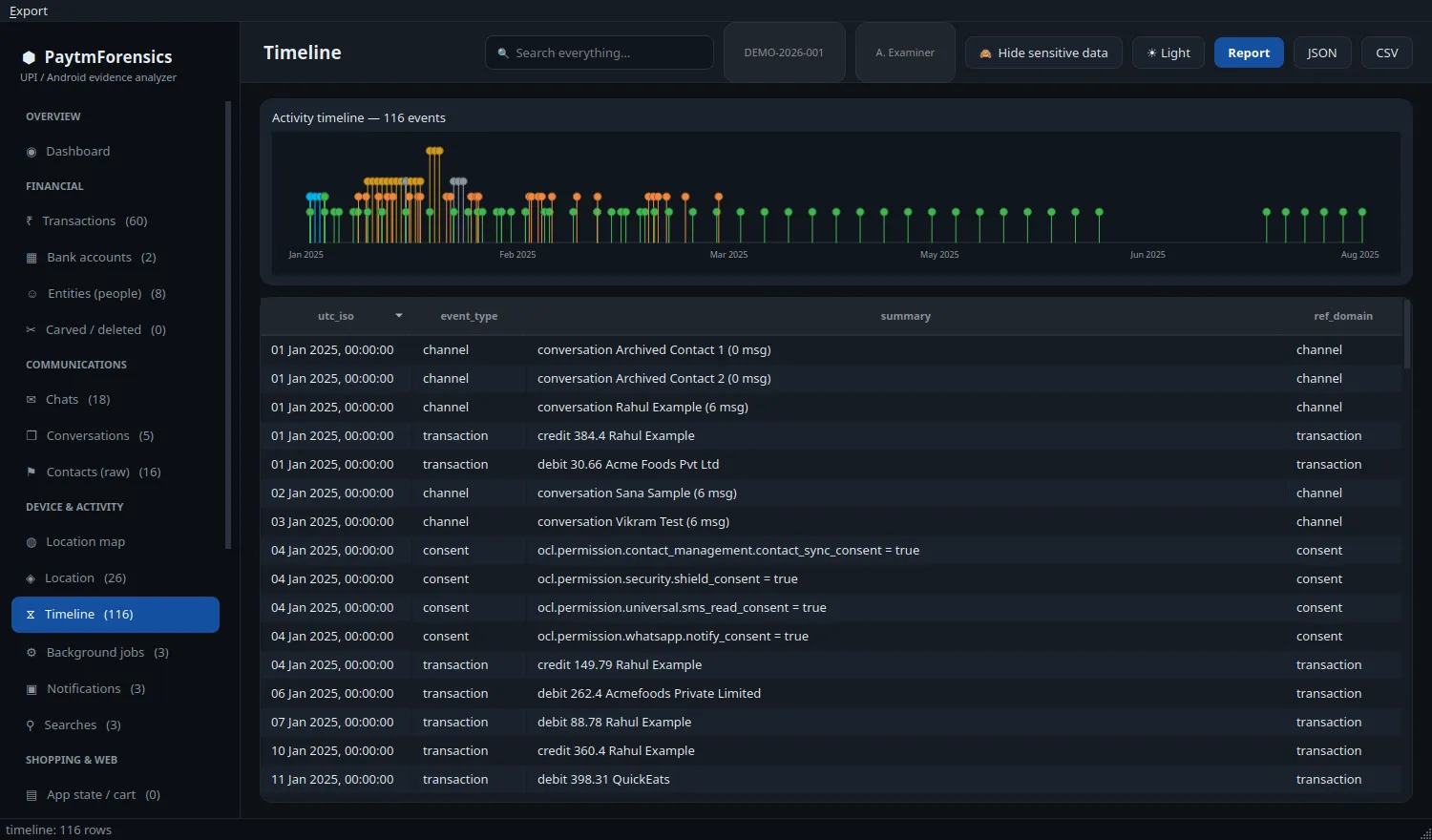
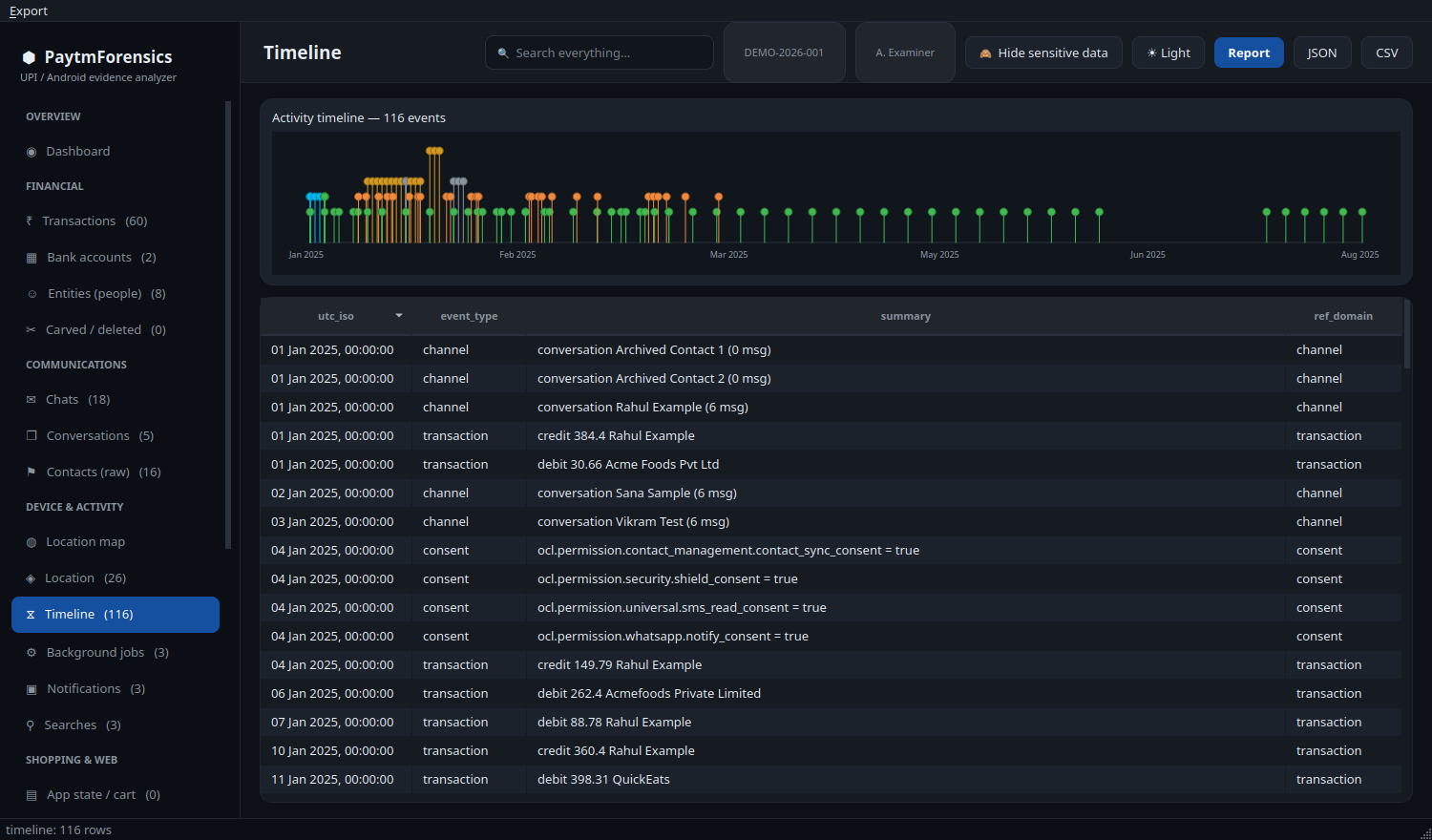
The GUI has a dashboard, a sortable and filterable grid for every record domain with a provenance panel on each record, a chat view, an interactive map, a timeline and global search. Filters (free text, date range, amount range, direction, live or carved, source file) combine and can be saved as presets per case. Light and dark themes both meet WCAG AA contrast.
Command line
Section titled “Command line”python -m paytmforensics.cli \ --extraction "/path/to/net.one97.paytm" \ --out "/path/to/case_dir" \ --case-id PTM-2026-001 --examiner "A. Examiner" --evidence MOB-7 \ --verify --report --geo| Option | Effect |
|---|---|
--extraction PATH |
The extracted net.one97.paytm folder (required) |
--out PATH |
The case folder to write (required) |
--case-id, --examiner, --evidence, --notes |
Case details recorded with the case |
--verify |
Re-hash every input after parsing and check the source is byte-identical |
--report |
Write a self-contained report.html with a .sha256 file beside it |
--geo |
Write locations.kml and locations.geojson |
--redact-report |
Mask personal and bank identifiers in the report and location exports |
--verify-audit |
Verify an existing case’s audit-log hash chain, then exit |
To check a colleague’s case:
python -m paytmforensics.cli --extraction <folder> --out <case_dir> --verify-auditIt prints a result such as {"ok": true, "entries": 48, "breaks": []}.
Hiding sensitive data
Section titled “Hiding sensitive data”One toolbar button, off by default, masks names, phone numbers, customer, device and chat IDs, UPI IDs, account and IFSC identifiers and RRNs, and blurs coordinates to city level across every view and the JSON, CSV, KML and GeoJSON exports.
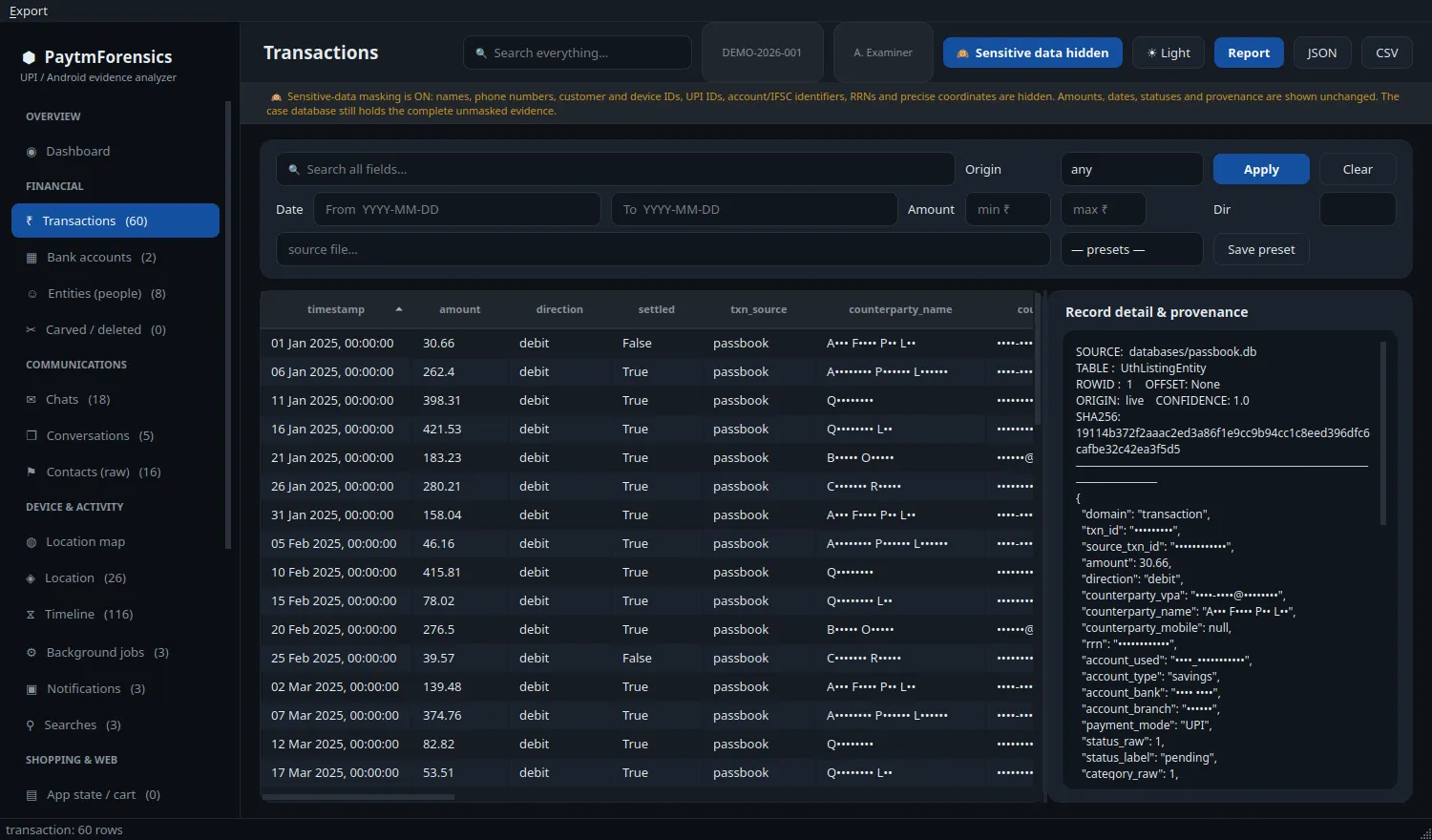
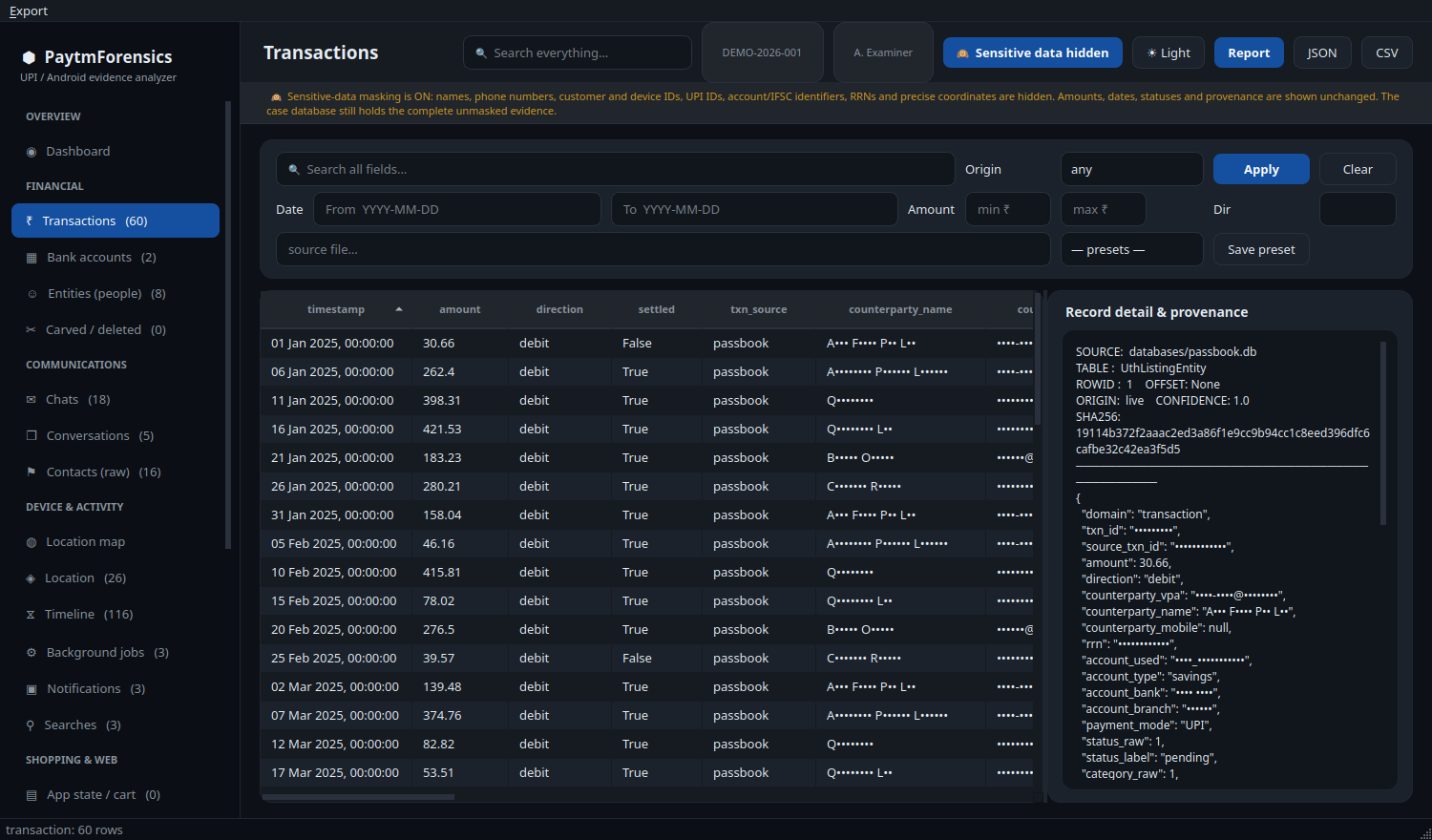
It never changes case.db, which always holds the complete unmasked evidence. Filters and search still match the real values. --redact-report produces a disclosure copy of the HTML report marked “REDACTED COPY”.
Output layout
Section titled “Output layout”case_dir/├── case.db one row per parsed record, with provenance├── manifest.json SHA-256, MD5 and size of every input file├── audit.log hash-chained log of every action├── case_meta.json case ID, examiner, evidence number, notes, timestamps├── wal_report.json per-table rows visible with and without the WAL├── filter_presets.json saved GUI filter presets (created on demand)├── report.html with report.html.sha256└── locations.kml / locations.geojsoncase.db has a single records table, (id, domain, origin, source_file, source_table, data JSON), so it is easy to query directly or load into a notebook.
Limitations
Section titled “Limitations”- Encrypted stores are not decrypted. Their data key is wrapped by a key held in the device’s hardware keystore and absent from any filesystem extraction.
- Carving depends on the source.
secure_delete, vacuuming and checkpointing reduce what remains; a vacuumed database may yield nothing, and the tool reports that rather than guessing. - Best-effort decoders (WebView LevelDB and IndexedDB, protobuf analytics, Java serialization) are labelled as such with a confidence below 1.0.
- No acquisition. Use a validated acquisition method first.
- PDF output needs WeasyPrint or QtWebEngine; without either, generate HTML and print to PDF.
- Grids hold every row in memory. Comfortable at about 8,000 rows; 100,000 or more is untested.
The methodology and the audit findings are in the repository.